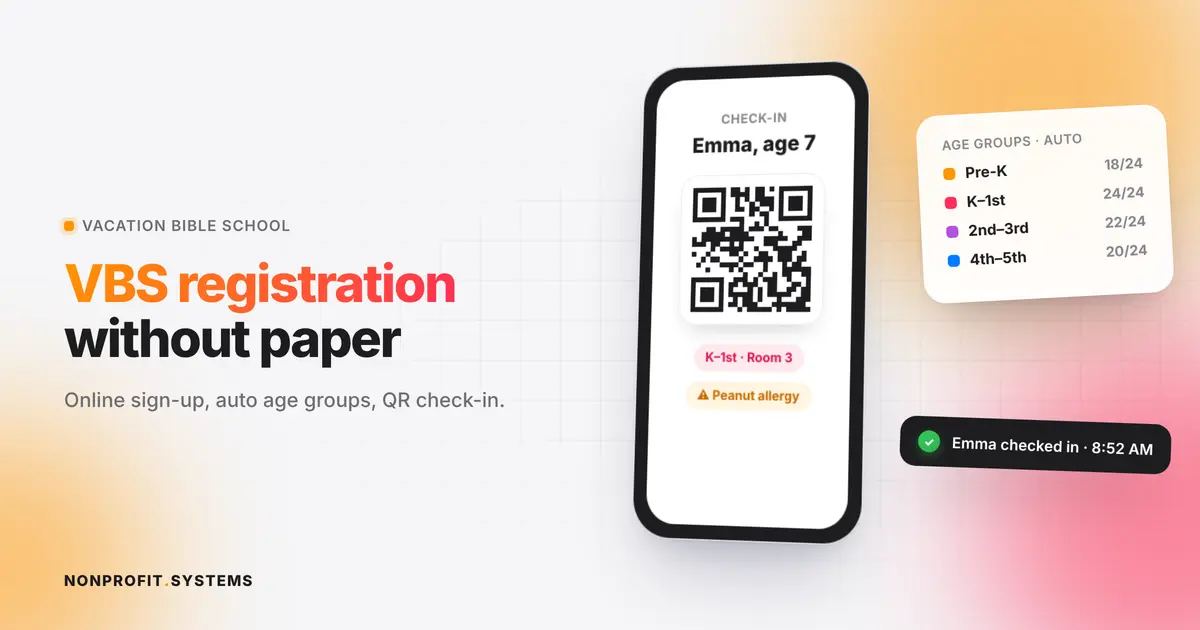
On distribution day, the line outside a food pantry is often longer than it needs to be. Families wait while volunteers search for names on a clipboard, re-ask the same questions every visit, and count households by hand at the end of the day for the food bank report.
A good registration system fixes all three: families register once, check in fast, and your reports build themselves. Here is how to set one up, whether you serve 30 families a month or 500.
What to collect at intake
Collect what you need to serve people and report to your partners. Nothing more.
Basic household information
- name of the head of household
- phone number (for text reminders)
- zip code or address, if your service area or food bank requires it
- number of people in the household, often split by age group (children, adults, seniors)
Program information
- dietary needs or allergies, if you offer choices
- preferred language
- how they heard about you (helps with outreach)
If you distribute USDA (TEFAP) food or food from a food bank partner Your partner food bank usually requires its own eligibility form or self-declaration of income. Use their exact form fields so your records match what they audit.
What to avoid Do not ask for documents or details your program does not require. Every extra question slows the line and can scare away the families who need help most.
Privacy and dignity
People share personal information when they ask for food. Treat it carefully:
- limit who can see client records (most volunteers only need a name and household size)
- store data in a secure system, not on shared spreadsheets or paper left on a table
- explain in plain language why you collect each item
- offer the form in the languages your community speaks
A respectful intake process is part of the service. Families notice when they are asked fewer questions and recognized on return visits.
Registration options compared
| Option | Cost | Works for | Limits |
|---|---|---|---|
| Paper sign-in sheets | Free | Very small pantries | Retyping, lost sheets, slow reports, no privacy |
| Spreadsheet or free online form | Free | Small pantries starting out | No check-in, duplicate records, manual counting |
| Food bank partner software | Often free for partners | Pantries affiliated with a food bank | Built for the food bank's reporting, less flexible for your other ministries |
| A custom system in your own website | One-time build, low monthly cost | Churches and nonprofits running several programs | Needs setup up front |
How QR check-in works on distribution day
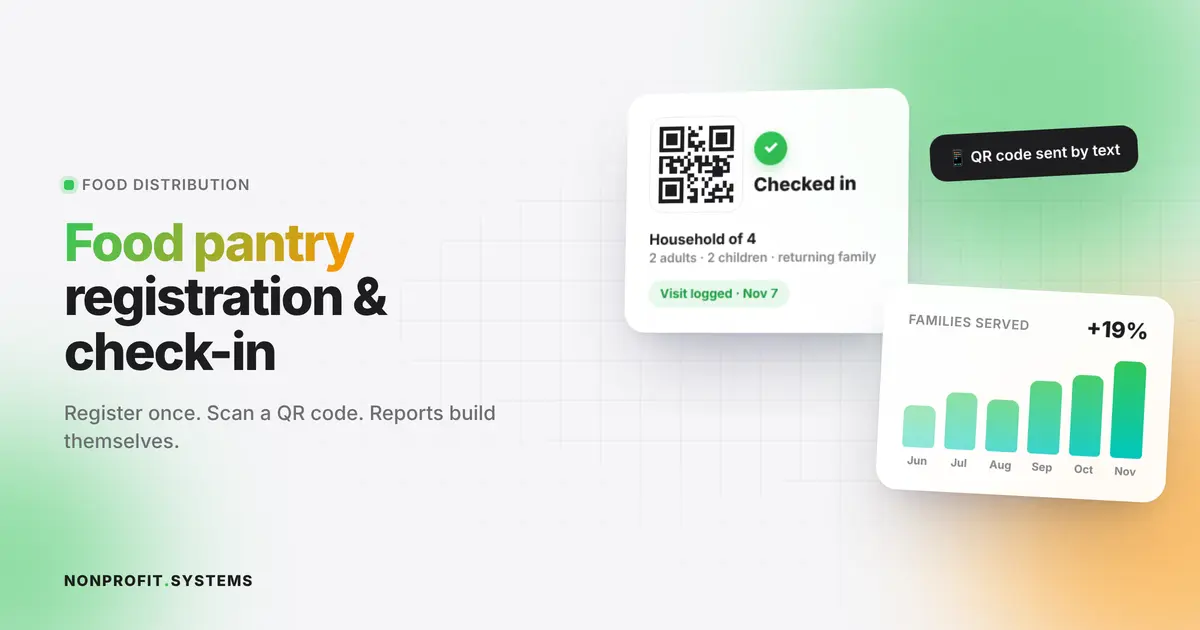
- A family registers once, online or with a volunteer's help on a tablet.
- They receive a QR code by text, which they can keep on their phone or print.
- On distribution day, a volunteer scans the code. The visit is logged with the date and household size.
- If you have visit limits (for example, once a week), the system shows it immediately.
- Returning families never fill out the form again. They just update their info if something changes.
This removes the clipboard bottleneck. Lines move faster, and volunteers can spend time with people instead of paperwork.
Reporting that builds itself
Once every visit is logged, your reports are a filter:
- households and individuals served this month
- new versus returning families
- children, adults and seniors served
- pounds or boxes distributed, if you track them
- zip codes served (useful for grant applications)
Grant reports and food bank monthly reports stop being an end-of-month scramble. The board sees the impact in real numbers.
A real example: QR registration at a church food distribution
International Bible Church in Boca Raton runs regular food distribution for local families. We built a registration system into the church's own website: families sign up online and check in with a QR code at the distribution. The church manages it from the same admin it uses for its calendar and other ministries.
Read the full story in our food pantry QR check-in case study, or see how the food pantry sign-up system works.
Explore the full International Bible Church case study to see how registration connects to TEFAP paperwork, giving and church life.
Setup checklist
- List the fields your food bank partner requires
- Remove any question you do not actually use
- Choose who can see full client records
- Create the online registration form (in all needed languages)
- Set up QR codes and test check-in on a phone
- Decide on visit limits and how they are shown
- Set up a monthly report for your food bank and board
- Train volunteers with a 15-minute walkthrough
FAQ
What information does a food pantry need to collect?
Usually the head of household's name, contact information, household size by age group, and any eligibility information required by your food bank partner.
Do food pantries have to verify income?
It depends on your program. Pantries distributing USDA TEFAP food usually use a self-declaration of income on the food bank's form. Many independent pantries do not require income information.
Is there free food pantry registration software?
Some food banks provide free software to partner pantries, and free form tools can collect basic registrations. QR check-in and automated reporting usually need a dedicated system.
How do you speed up the food pantry line?
Register families once and use QR check-in on return visits so volunteers do not re-enter information every time.
How should a food pantry protect client privacy?
Collect only required information, limit access by role, store it in a secure system, and never leave paper records in public areas.
A practical first step
Free church website audit
Share your website. We will review the visitor experience, mobile layout and the next steps for your church or nonprofit.