Ask any nonprofit office manager where the week goes and you will hear the same list: typing receipts, copying names from paper forms into a spreadsheet, chasing signatures, rebuilding the same report for the board every month. None of it is hard. All of it is slow, and every manual copy is a chance for a typo in a donor's name or an amount.
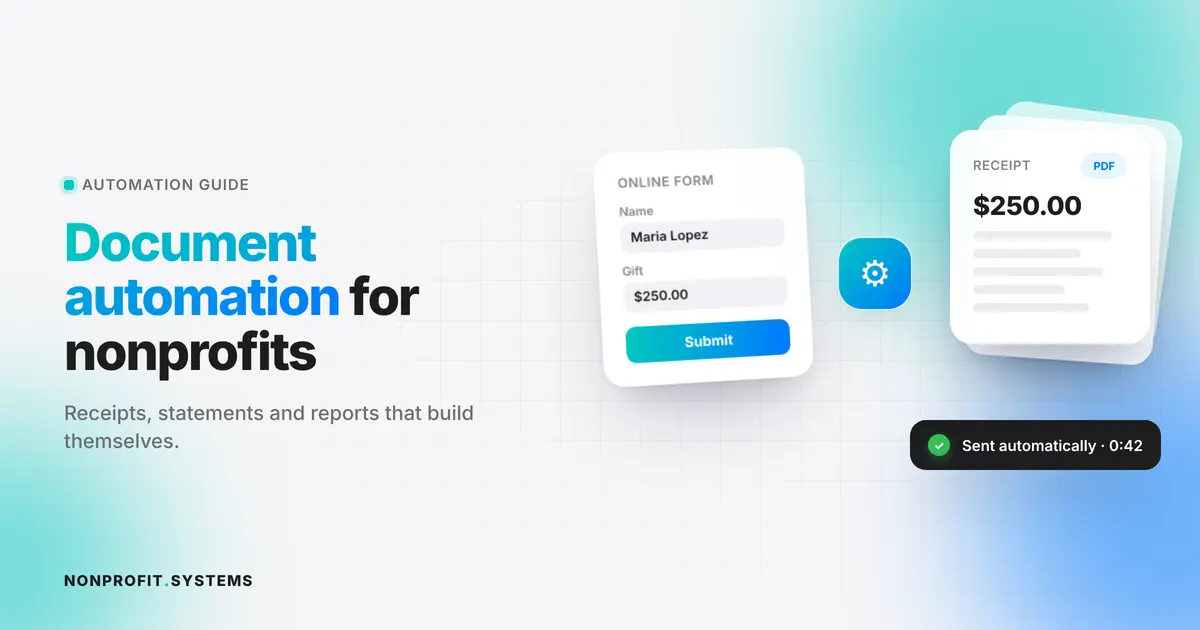
Document automation means the document builds itself from data you already have. A donation comes in, and the receipt is created and sent. A family registers online, and the roster, name tags and check-in list update on their own.
This guide shows which documents to automate first, how it works in practice, and what to watch for.
The 7 documents worth automating first
We ranked these by hours saved per month for a typical small church or nonprofit.
1. Donation receipts
Manual way: a volunteer exports donations, writes or merges a thank-you letter, emails or mails it. Automated way: every online gift triggers a personalized receipt within a minute, with your legal name, EIN, amount, date and the required wording about goods or services.
2. Year-end giving statements
The single biggest time sink in January. An automated system totals each donor's gifts for the year, builds a PDF statement and emails it, with a printable batch for donors who prefer paper. We cover the rules in detail in Year-End Giving Statements for Churches.
3. Registration and intake forms
Event registration, food pantry intake, VBS and camp sign-ups, membership forms. When the form is online and connected to your database, nobody retypes anything. Our food pantry QR check-in case shows how a church replaced paper sign-in sheets with a QR code families scan at the door.
4. Waivers and consent forms
Volunteer waivers, photo releases, child medical and pickup permissions. Signed online, stored with the person's record, and easy to find when you need them. Expired forms can trigger a reminder automatically.
5. Rosters, name tags and check-in lists
These should never be built by hand. If registrations live in one database, a roster grouped by age, room or shift is one click. See how this works for VBS registration and check-in.
6. Board and grant reports
Monthly giving, attendance, people served, volunteer hours. When the numbers come from the same system that collects them, a report is generated on a schedule and lands in the board's inbox. Grant reports that ask "how many families did you serve" become a filtered count.
7. Compliance reminders
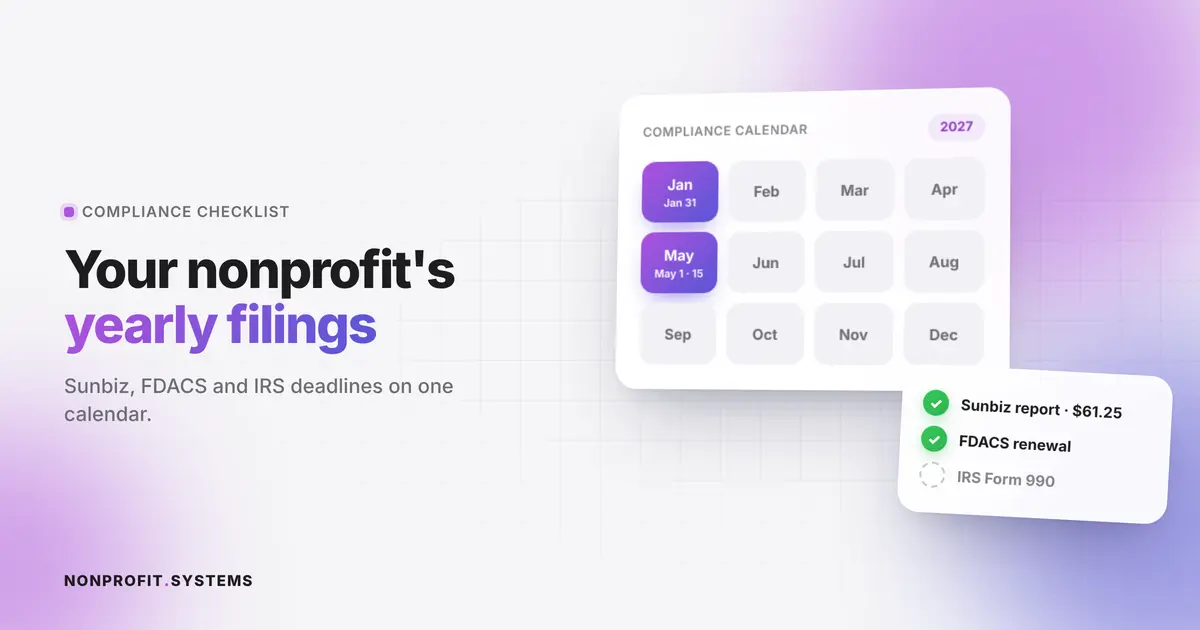
Annual reports, registration renewals and certificate expirations. A document can be a reminder too. The system emails the treasurer 60 days before each date with the files they will need attached. Our Florida filing checklist lists every recurring deadline.
How nonprofit document automation works
Every automated document follows the same pattern:
- Trigger. Something happens: a gift, a form submission, a date.
- Data. The system pulls the right record: donor, family, event, totals.
- Template. Your approved wording and branding, with placeholders for the data.
- Output. A PDF, email, SMS, printed batch or dashboard.
- Record. A copy is saved so you can prove what was sent and when.
The key is step 2. Automation only works when your data lives in one place. If donations sit in one app, registrations in a second and volunteer lists in a third spreadsheet, each document needs its own fragile connection. This is why many small nonprofits try automation tools, get frustrated and go back to copy-paste.
Choosing tools: three common setups
| Setup | Good for | Watch out for |
|---|---|---|
| Separate apps connected with Zapier or similar | Organizations already deep in specific apps | Monthly fees add up, connections break quietly when one app changes |
| An all-in-one church or nonprofit management platform | Teams that are fine with a standard workflow | You adapt to the software, data lives outside your website |
| A custom system inside your own website | Organizations with specific processes (food distribution, VBS, multiple ministries) | Needs a good builder up front |
At NONPROFIT.SYSTEMS we build the third option. The admin of your own website becomes the system: forms, donations, receipts, rosters and reports in one place, designed around how your team actually works. Each solution (food pantry check-in, VBS registration, year-end statements) is a connector added to the same foundation, so you can start with one and grow. More on the approach: nonprofit workflow automation.
For drafting and communication alongside structured automation, see how churches can use AI safely.
Mistakes to avoid
- Automating a messy process. Write the steps on paper first. If staff disagree on how it should work, automation will just make the disagreement faster.
- No human check on legal documents. Have someone approve the receipt and statement templates once, then let the system run.
- Forgetting privacy. Intake forms often hold sensitive information about families. Collect only what you need and limit who can see it.
- Locking data in a tool you cannot export from. Make sure you can download all records at any time.
A 30-day starting plan
- Week 1: list every document your team produces and how long each takes per month.
- Week 2: pick the top two by hours (usually receipts and registrations).
- Week 3: move those forms online and connect them to one database.
- Week 4: turn on automatic receipts and one scheduled report for the board.
Most organizations recover several hours a week from these two alone, and the year-end statements in January become a button instead of a weekend.
FAQ
What is document automation for nonprofits?
It means documents like receipts, statements, rosters and reports are generated automatically from your donation and registration data, without manual typing.
What should a nonprofit automate first?
Donation receipts and online registration forms. They save the most time and remove the most typing errors.
Is nonprofit automation expensive?
It does not have to be. Many tools have nonprofit discounts, and a custom system inside your own website can replace several monthly subscriptions.
Can small churches use document automation?
Yes. Small teams benefit the most because the same few volunteers do everything.
Is automated donor data secure?
It can be, if access is limited by role, data is encrypted and you choose providers that let you export and delete records.
A practical first step
Free church website audit
Share your website. We will review the visitor experience, mobile layout and the next steps for your church or nonprofit.