Your 501(c)(3) status is worth more than a tax exemption. Many of the tools nonprofits use every day are free or deeply discounted for verified charities, and most organizations use only a fraction of what they qualify for.
Here is the current list of the most useful offers, what each one includes, and how to apply. Offers change often, so we date every review. Always confirm the current terms on the provider's site before you budget.
Before you start: get verified once
Most tech companies use a verification partner to confirm your nonprofit status. The two you will meet most often:
- Goodstack (formerly Percent): used by Google, Canva, Anthropic (Claude) and others
- TechSoup: used by Slack, Microsoft partners and many software donation programs
Have these ready: your legal name exactly as the IRS lists it, your EIN, your IRS determination letter, a website on your own domain, and an email address at that domain.
For churches: most programs require IRS recognition of 501(c)(3) status. Churches that never applied for a determination letter often fail verification even though they are tax-exempt by law.
The list
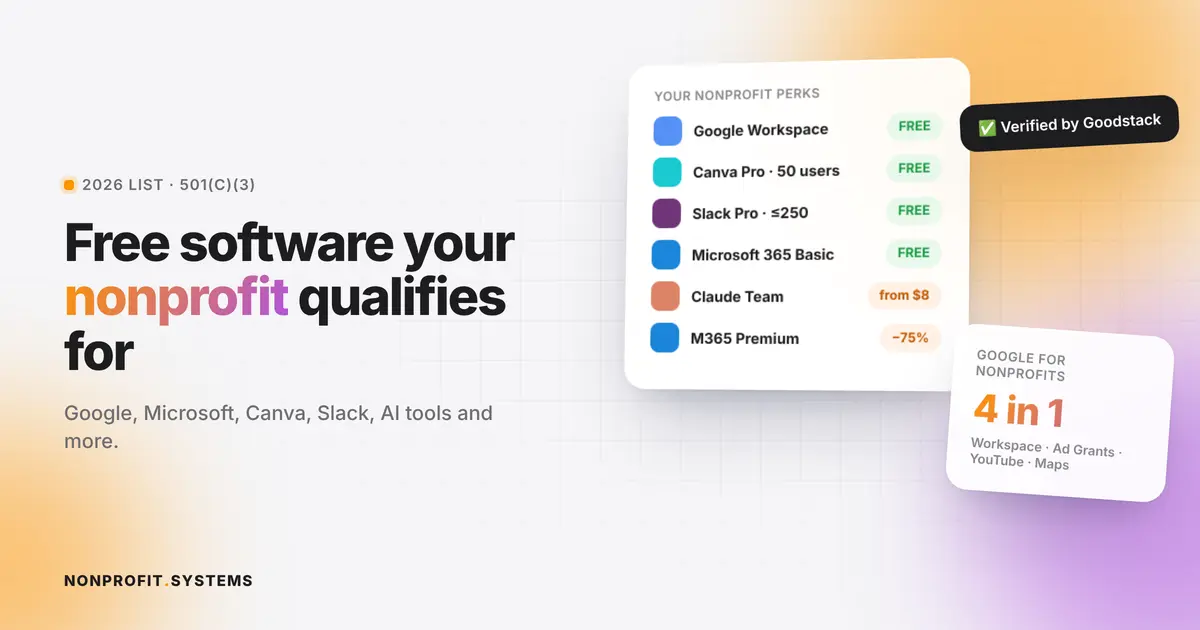
| Tool | What nonprofits get (as of Nov 2026) | Verification |
|---|---|---|
| Google Workspace for Nonprofits | Free edition with email on your domain, Drive, Docs, Meet, Calendar. Discounted paid editions | Google for Nonprofits + Goodstack |
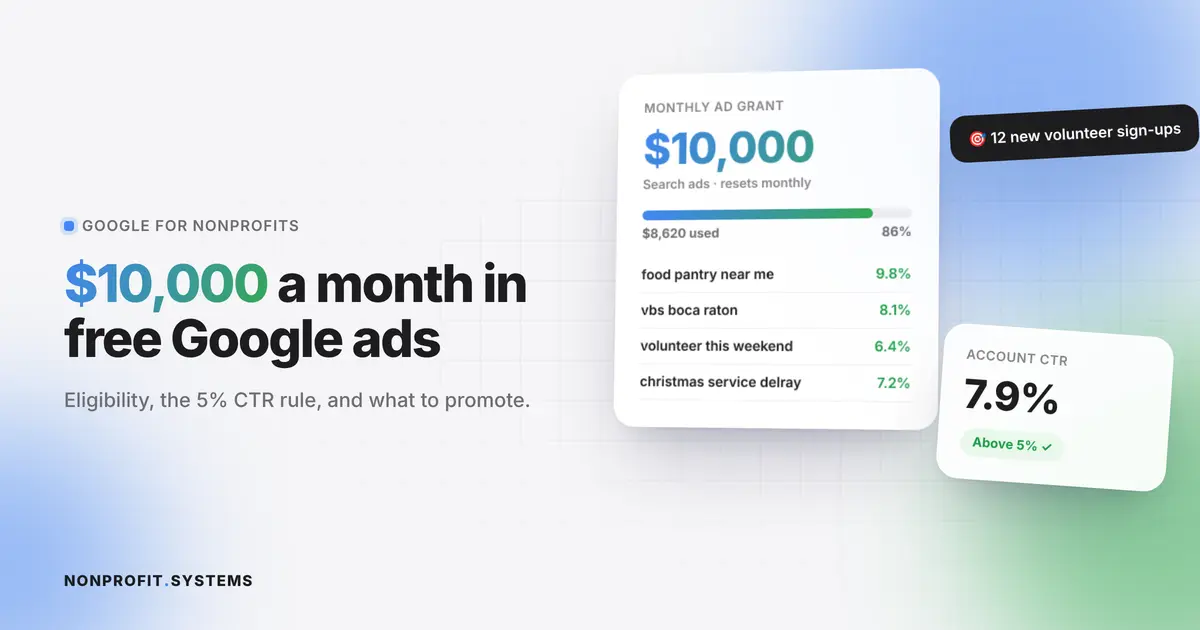
| Google Ad Grants | Up to $10,000/month in free Google Search ads | Google for Nonprofits |
| YouTube Nonprofit Program | Link cards to your site, YouTube Giving fundraising features, creator resources | Google for Nonprofits |
| Google Maps Platform | Monthly credits for maps on your website or app | Google for Nonprofits |
| Microsoft 365 | Business Basic free for up to 300 users. Business Premium at a nonprofit discount (Microsoft describes it as up to 75% off) | Microsoft nonprofit portal |
| Canva Nonprofits | All Canva Pro features free for one team of up to 50 users. Extra seats at a discount | Goodstack |
| Slack for Nonprofits | Free Pro plan for workspaces with 250 members or fewer. 85% off Business+ | Slack application (TechSoup) |
| Claude for Nonprofits (Anthropic) | Discounted Team and Enterprise plans, up to 75% off. Team seats from $8 per user per month | Goodstack |
| ChatGPT for Nonprofits (OpenAI) | Discounts on Business and Enterprise plans | OpenAI |
| TechSoup marketplace | Donated and discounted software and hardware from many vendors | TechSoup |
The details that matter
Google for Nonprofits: start here
One application unlocks four programs: Workspace, Ad Grants, YouTube and Maps. If you only do one thing from this list, do this. Free Workspace gives everyone on your team a professional email at your domain, which also makes every other verification on this list easier.
Read our full guide to Google Ad Grants.
Microsoft 365: the free Premium grant is gone
Microsoft retired its grant of 10 free Business Premium licenses. Organizations moved off it at their first renewal after July 1, 2025. What remains free is Business Basic for up to 300 users (web and mobile Office apps, Teams, Exchange email, OneDrive). Desktop Office apps and advanced security now come with the discounted paid plans.
If your nonprofit still had free Premium licenses, check that your users were moved to Business Basic or a paid plan so nobody loses access to email or files.
Canva: free design for the whole team
Canva's nonprofit program covers Canva Pro features for a team of up to 50 people. That is enough for staff and regular volunteers to share brand kits, templates and social media designs.
Slack: free Pro under 250 members
The free Pro plan keeps your full message history, which the regular free plan does not. Board members and volunteers who join the workspace count toward the 250.
AI tools: big discounts, real value
Both Anthropic and OpenAI now run nonprofit programs. Claude's nonprofit Team plan starts at $8 per user per month and includes shared projects for your organization. Before you buy, decide what your team will actually use AI for and set simple rules about what information never goes into it. We wrote a practical guide: How churches can use AI safely.
Watch out for these traps
- Free plans that lock your data in. Make sure you can export everything.
- "Nonprofit pricing" that is only a first-year promo. Read the renewal terms.
- Too many tools. Ten free apps that do not talk to each other cost you hours every week. The best savings often come from replacing several tools with one connected system.
- One person owns every login. Use your organization's domain email for every account, and keep admin access for at least two people.
How we help
At NONPROFIT.SYSTEMS, we help churches and nonprofits activate these programs and connect them to one system inside the organization's own website: email, calendars, forms, giving, reports and AI tools working together. See nonprofit workflow automation or document automation for nonprofits.
FAQ
Is Google Workspace free for nonprofits?
Yes. Verified nonprofits can use the Google Workspace for Nonprofits edition at no cost, with discounted paid editions if they need more.
Is Microsoft 365 still free for nonprofits?
Microsoft 365 Business Basic is free for up to 300 users. The free Business Premium grant was retired, and Premium is now offered at a nonprofit discount.
Can churches get nonprofit software discounts?
Usually yes, if the church has IRS recognition of 501(c)(3) status and passes the provider's verification.
Is Canva free for nonprofits?
Yes. Eligible nonprofits get Canva Pro features free for one team of up to 50 users.
Do AI tools have nonprofit pricing?
Yes. Anthropic (Claude) and OpenAI (ChatGPT) both offer nonprofit discounts on their team and enterprise plans.
A practical first step
Free church website audit
Share your website. We will review the visitor experience, mobile layout and the next steps for your church or nonprofit.